
TXGA公告
【Notice】:TXGA Spring Festival holiday is from February15, 2026 to February23, 2026, a total of nine days, and work will resume on February 24, 2026. During the holiday, the website can place orders normally, and delivery will be arranged after the holiday. If you have any questions, you can send an email to the business manager: philomena.li@txga.com.
TXGA连接器厂家 Building Technology Cornerstone
{{ getLanguageDisplayName(lang) }} | CN | CNY
Your current browser version is too low or not supported. Please upgrade or change your browser. Recommended browsers: Chrome, Edge.
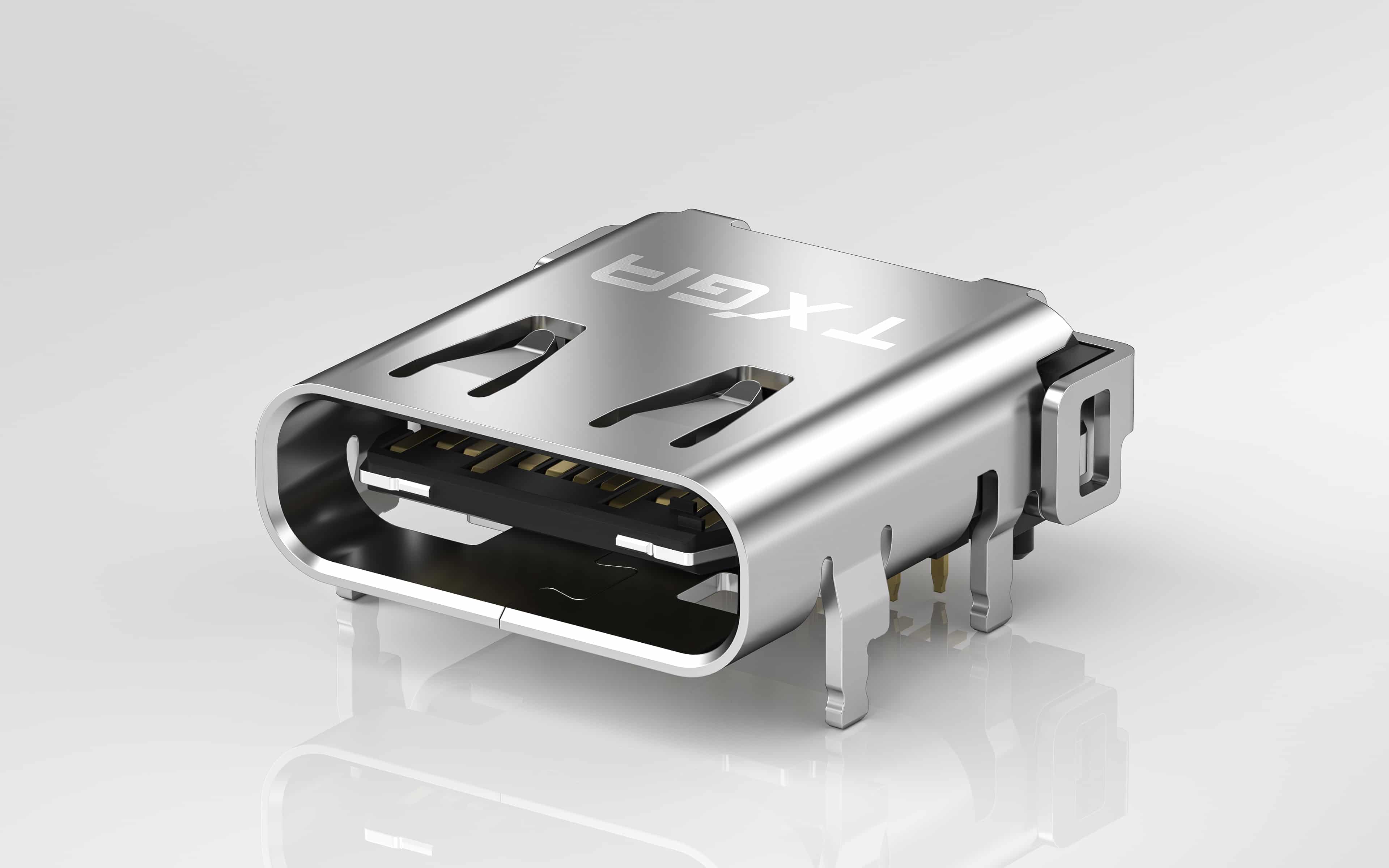
How to wire TXGA Mini USB connector? Detailed explanation of A-type and B-type wiring methods

TXGA Mini USB is a compact USB interface. It retains the performance indicators of standard USB and adds an ID pin to identify whether the device is a host or a peripheral, thus supporting OTG functionality. OTG allows devices to directly transmit data without the involvement of a host. Due to the small size of the TXGA Mini USB connector, it is often used for MP3 players MP4、 Small devices such as radios. Unlike other USB female connectors, Mini USB female connectors have two standard wiring methods: Type A and Type B.

1、 Mini USB female socket A-type wiring method
The Mini USB female socket A-type wiring method is mainly used on the host end, and its specific wiring method is as follows:
1. Red line: Positive pole of power supply (marked on the wiring as:+ 5V or VCC)
2. White line: Negative voltage data line (marked as: Data - or USB Port -)
3. Green line: positive voltage data cable (marked as: Data+or USB Port+)
4. Black wire: Grounding (marked as Ground or GND)

2、 Mini USB female socket B-type wiring method
The Mini USB female socket B-type wiring method is mainly used on the device end, and its specific wiring method is as follows:
1. Red line: The identification on the positive terminal of the power supply is VCC or+5V
2. White line: The negative voltage data line is marked as: Data-
3. Green line: The positive voltage data line is marked as: Data+
4. Empty end: ID
5. Black line: The grounding symbol is: GND